

When You Stop Doing Everything Yourself, Your Business Actually Grows
The biggest mistake business owners make is believing they’re the only ones who can do it right. Here’s what happens when you stop.
Read ArticleYou can’t delegate what you don’t understand. These tools help you track how time and work actually flow through your team.

Most business owners don’t actually know where their time goes. You think you’re spending 40% on client work and 30% on admin, but you’re probably wrong. The thing is, without real visibility, delegation becomes a guessing game.
Here’s the reality: you can’t hand off work you don’t understand. And you can’t understand it without tracking it. That’s why we’re covering the tools that actually help you see where your team’s effort is flowing — not fancy dashboards that nobody updates, but systems that work for real business.
Start simple. You don’t need software that requires 15 minutes of setup per task. What you need is something your team will actually use.
Toggl Track works because it’s stupid simple. Click start, work, click stop. After two weeks, you’ll see patterns. Someone’s spending 8 hours on client emails. Someone else does deep work in 2-hour blocks. The owner? Probably jumping between 12 different things per day.
Don’t overthink the categories. We recommend: Client Work, Internal Tasks, Admin/Email, Meetings, and Other. That’s it. You’ll see immediately where the inefficiencies are — and what’s actually delegatable.


This is where you see the imbalance. Asana, Monday.com, or even a solid Trello setup shows you assigned tasks across your team. You can see immediately if Fatima has 23 open tasks while Ahmad has 3.
The key isn’t the tool — it’s using it consistently. Spend 15 minutes Monday morning assigning what needs doing this week. Update status as work moves. That’s it. By Friday, you’ve got a clear picture.
What you’re looking for: Can you see at a glance who’s overloaded? Can you see what’s stuck waiting for input? Can your team see what they’re supposed to do without asking you? If the answer is yes, you’ve got visibility.
Pro tip: Set a rule: if someone has more than 6 active tasks, they can’t take new ones. Period. This forces prioritization and prevents the “always busy, nothing gets done” cycle.
These tools are educational resources to help you understand workload distribution. Implementing them requires commitment from your team and clear communication about expectations. Results depend on consistent usage and follow-through — tools alone won’t fix underlying delegation issues.
Your team’s calendar is data. If you can see it, you can understand the real problem. Someone blocks 4 hours for “deep work” but actually spends it in meetings. Someone else has back-to-back calls with no break.
Use Google Calendar or Outlook with these simple blocks:
Look at a team member’s calendar. If you see 70% meetings and 20% email blocks with no deep work time, you’ve found your problem. They’re not lazy — they’re interrupted constantly.
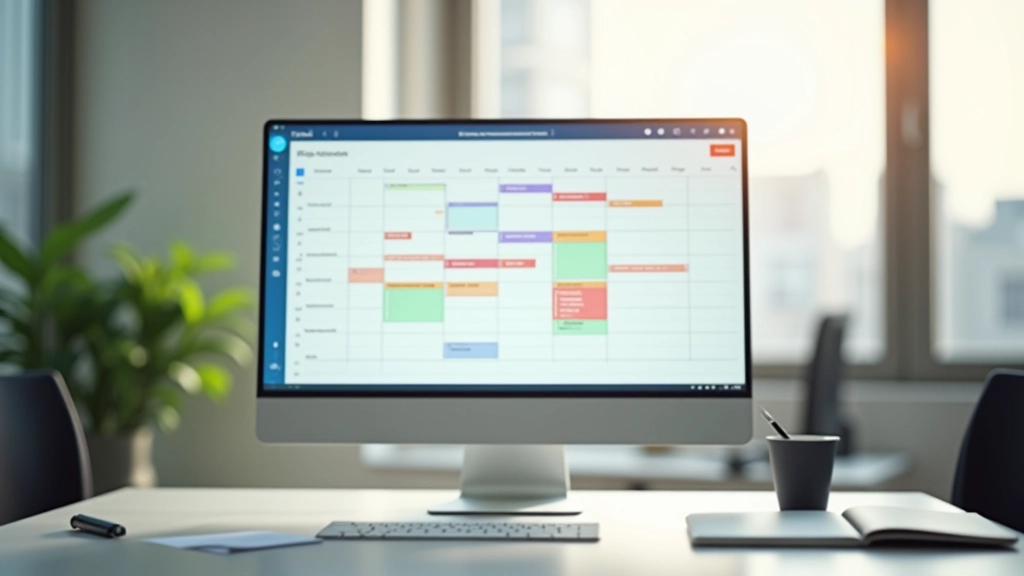

Every Friday for 30 minutes, look at what actually happened versus what you planned. Did Zainab spend 6 hours on something that should take 2? Did Karim skip his deep work block because of unplanned meetings?
You’re not doing this to catch people slacking. You’re doing it to understand where the system is broken. Maybe that task really does take 6 hours and you’re underestimating. Maybe the meeting culture is out of control. Maybe there’s training missing.
Here’s what we recommend: keep a simple spreadsheet. Three columns. Task. Estimated time. Actual time. After a month, patterns emerge. Some work consistently takes longer than expected — that’s your training opportunity. Some tasks disappear from the list — that’s something you’re not tracking.
Real example: A client discovered their “simple admin task” was actually taking 3 hours weekly because the process was broken. They automated it. Suddenly their admin person had 3 hours back for actual work.
Don’t start with all tools at once. That’s how initiatives die. Here’s the sequence:
Start with Toggl. Spend 15 minutes explaining why you’re doing this. It’s not surveillance — it’s understanding. Have everyone log their time for one full week.
Look at the data together. Ask what surprised people. What took longer than expected? Where are the interruptions coming from? This is a conversation, not a judgment.
Now add your task tracking tool. Assign this week’s work. Make it clear. Keep it simple. Combine this with time tracking to see which tasks actually match the estimates.
Friday meetings to review what happened. What worked? What didn’t? Where’s the friction? This is where you find your delegation opportunities.

These tools aren’t about creating perfect data. They’re about having conversations. Once you see that someone’s spending 60% of their time in meetings, you can actually talk about it. You can say, “Let’s block deep work time and protect it.” You can make real decisions about what to delegate because you understand the real workload.
Start tracking. You’ll be surprised what you find. And once you see where the work actually goes, delegation stops being a hope and becomes a strategy.